

Spotted by Maya Chen
Deal Hunter & Savings Expert
Streamline Your Drive with Wireless Connectivity
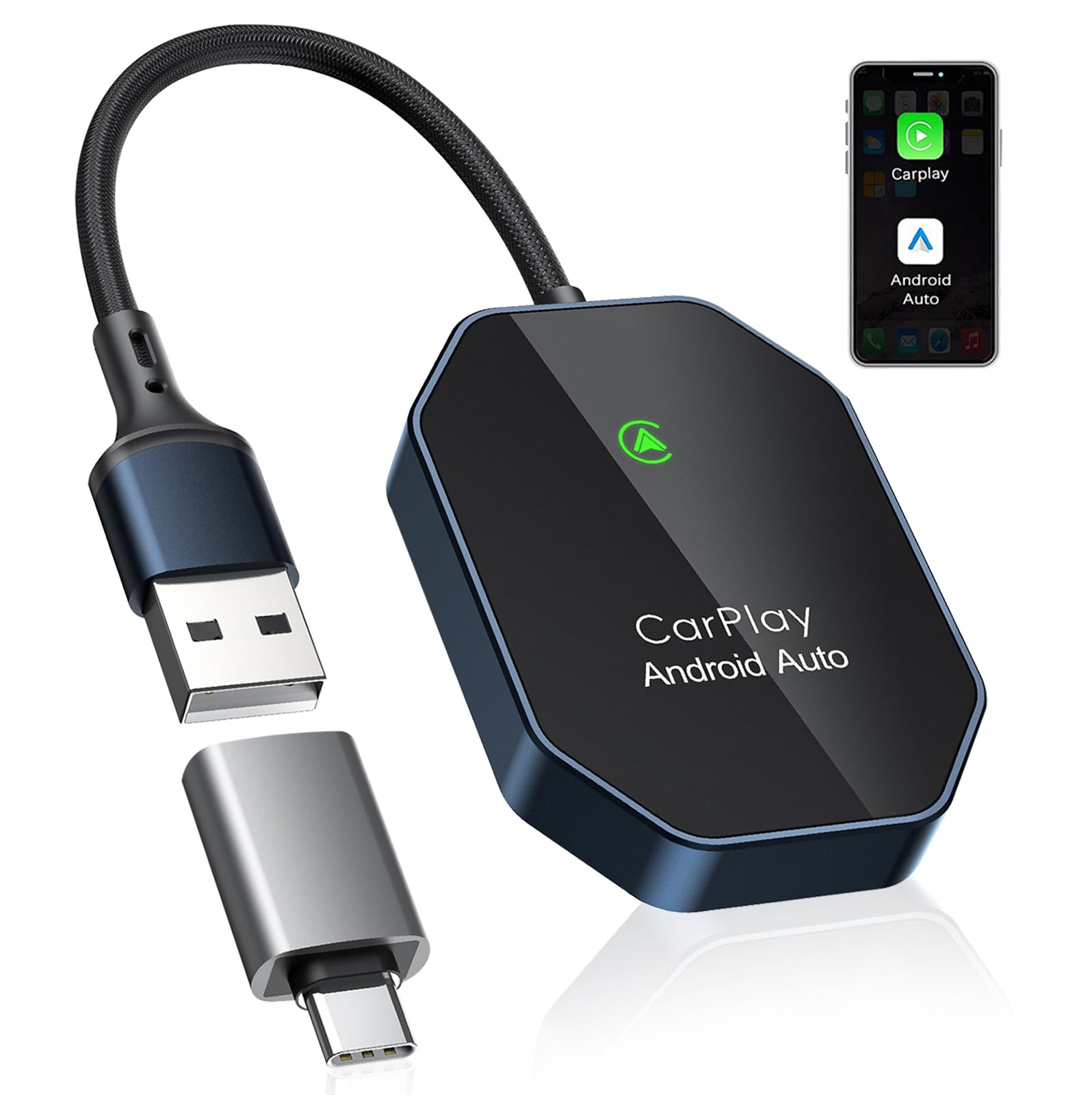
Wireless Carplay Adapter, 2 in 1 Wireless CarPlay & Android Auto Adapter with Dual-Band WiFi and Bluetooth 5.0 Car Play Connector Compatible with iOS 10+ / Android 11+ Instant Connectivity Easy Setup
This wireless adapter offers a simple way to upgrade your car's infotainment system by adding wireless support for both CarPlay and Android Auto. It connects via USB and uses Bluetooth 5.0 and dual-band Wi-Fi to provide instant connectivity
As an Amazon Associate we earn from qualifying purchases. Prices may change.
Spotted by Maya Chen
Deal Hunter & Savings Expert
The highlights
- +Supports both iOS and Android devices for versatile use
- +Eliminates the need for wired connections, reducing clutter
- +Easy setup with plug-and-play functionality via USB-A interface
Perfect for
The full picture
Heads up
- Requires a car that already supports wired CarPlay or Android Auto
- Android users need to disconnect adapter's Bluetooth to switch to CarPlay
- Power indicator light must be on to confirm proper operation
Before you buy
- Confirm your car supports wired CarPlay or Android Auto
- Check your phone meets the minimum OS requirements
- Ensure you have a USB-A port available in your vehicle
- Verify the adapter's power indicator lights up after connection
Product details
Specifications: Wi-Fi & Bluetooth Signal Name: AutoLink-xxxx (" xxxx " is the product serial number, and the serial number is subject to the actual product received) Input Interface: USB-A Male Delivery USB adapter cable Input Voltage: 5V Wi-Fi Bluetooth Module Frequency: Bluetooth 2.4GHz, Wi-Fi 2.4-5GHz Support Bluetooth Version: Bluetooth BR / EDR / 5.0 Wi-Fi Format: WEP / WPA2 / WPA3-SAE PERSONAL MFP Android System Version: Android11+ Support Mobile Phones: Android phones that support Android Auto IOS System Version: IOS10+ Support Mobile Phones: i-Phone 6 & later i-Phone models Please Note 1. When the adapter is connected to Android Auto, the Android Phone must disconnect the " AutoLink-xxxx "and the it can connect to Carplay (Disconnect the Android Phone bluetooth connection, "Carplay" will be displayed on the screen, if the Android Phone is not disconnected, then will not be displayed) 2. Please make sure that your car models supports wired Carplay/Android auto 3. Please make sure the wireless Adapter power indicator light is on